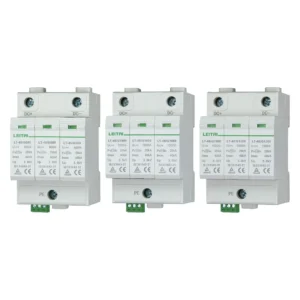

A surge protector and an uninterruptible power supply (UPS) are similar devices but each of them performs different functions. Because many UPSs are sold under descriptions that include “battery backup and surge protector”, it is easy to confuse them. In reality, surge protectors and UPSs tackle problems of different time frames, and surprisingly, the one that leads to most hardware damages is not the one that people usually think of while choosing a power equipment.
A surge protector helps to redirect dangerous but short surges of electricity that last only for seconds. On the other hand, a UPS serves to provide power to a device when power has gone down, which lasts for much longer periods (from seconds to minutes). UPS devices mostly have a small surge protection stage and this should only supplement surge protection, not substitute it. For a personal computer or a network of home computers, UPS with a built-in surge protection is enough; however, with large servers or offices full of computers based on long wires, an additional protection device should be added before UPS.
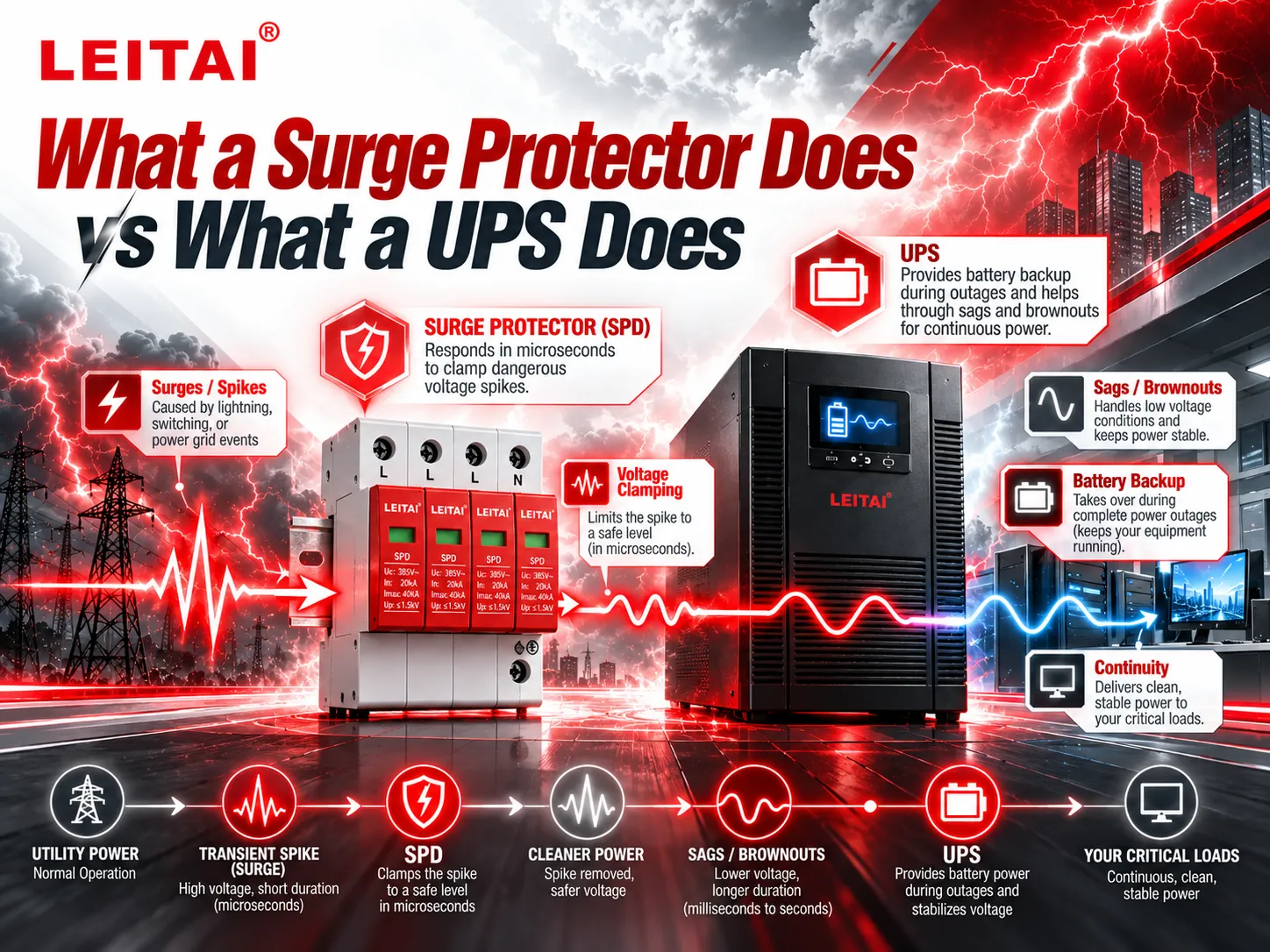
Surge Protector versus UPS
The surge protector, also known as a pressure-relief valve
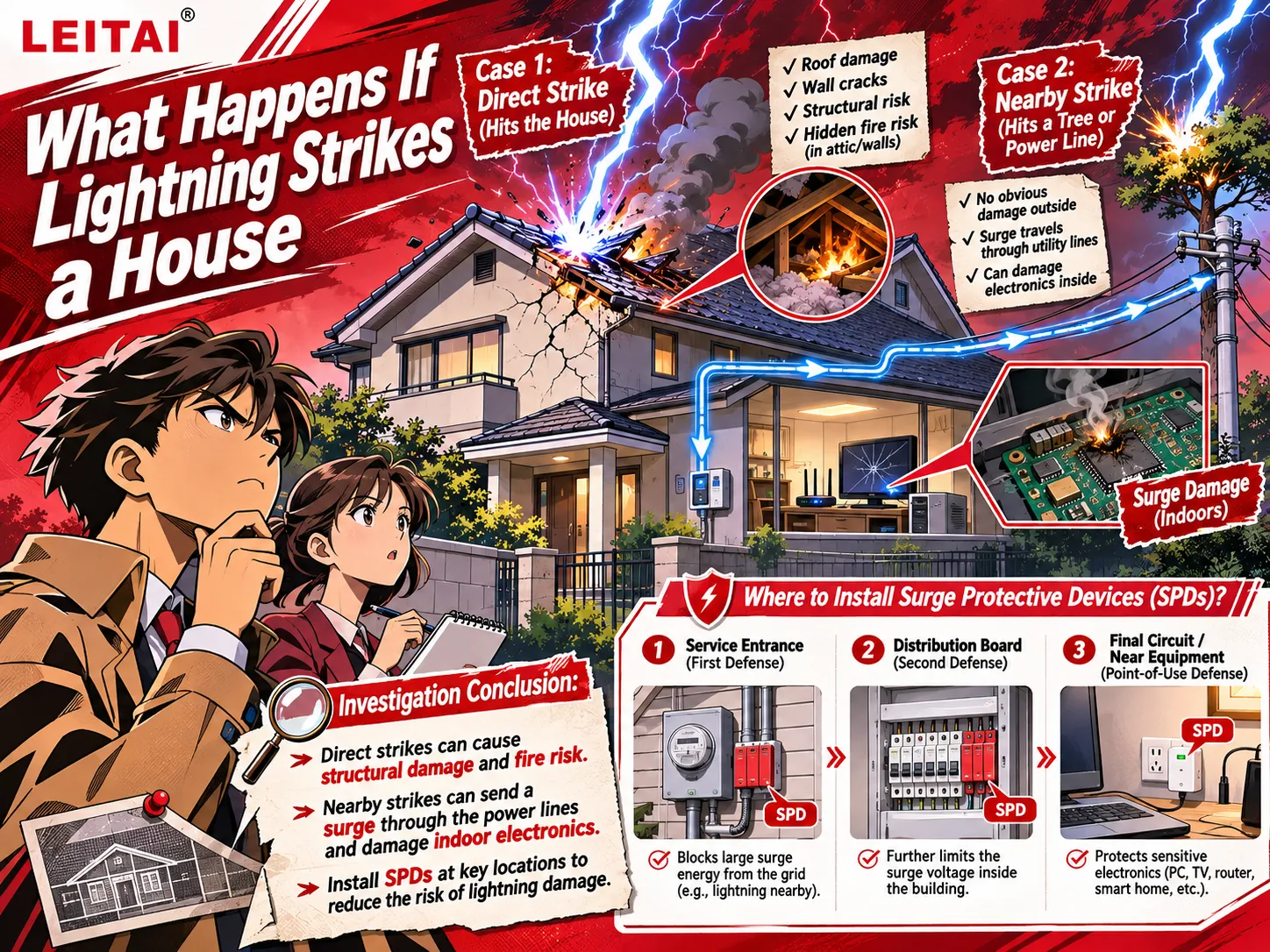
A surge refers to any transient overvoltage lasting a few microseconds. Such a spike can happen due to lightning strikes, utility switchings of capacitor banks or even sudden off-switching of laser printers and compressors in the same building.
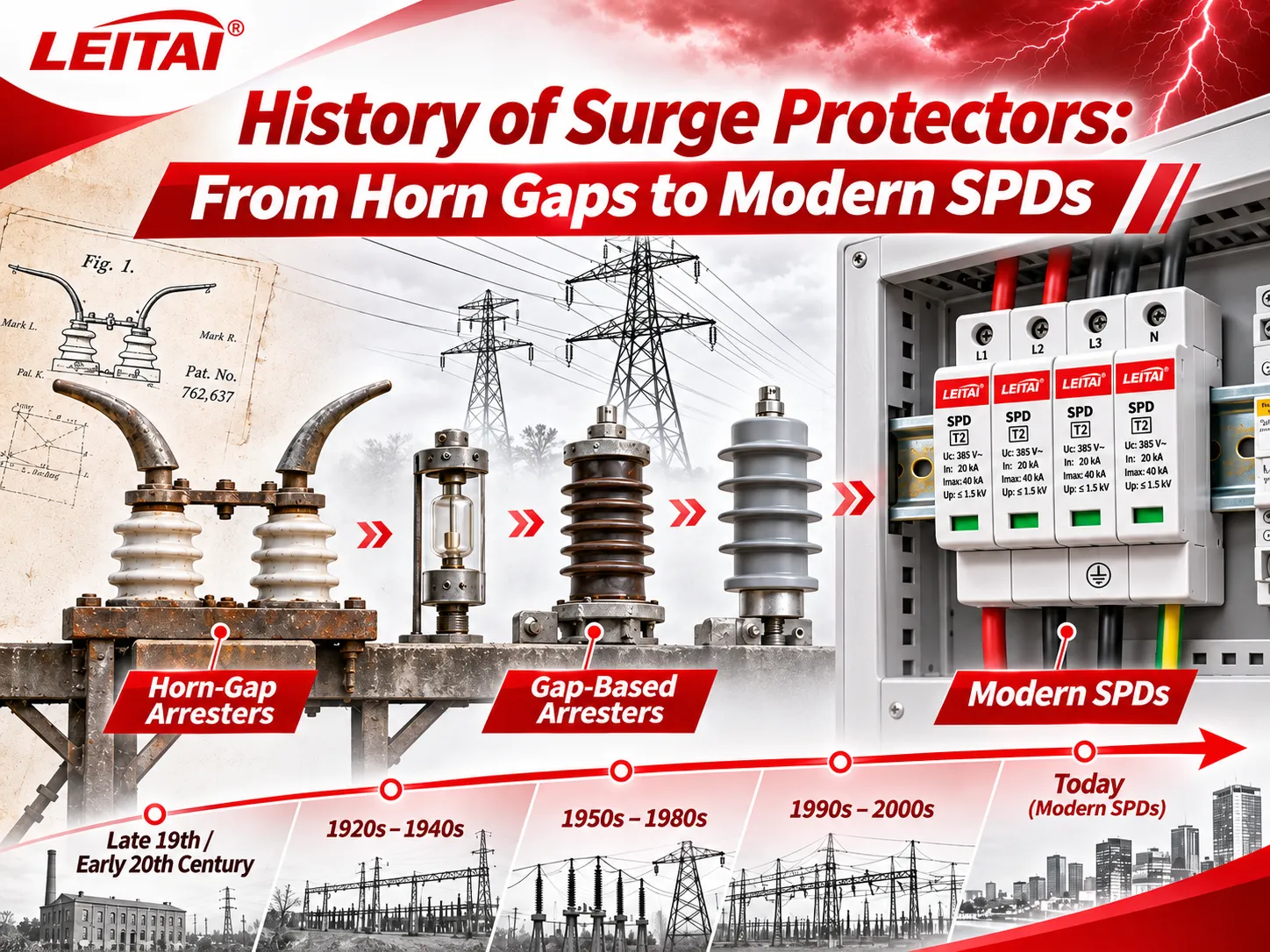
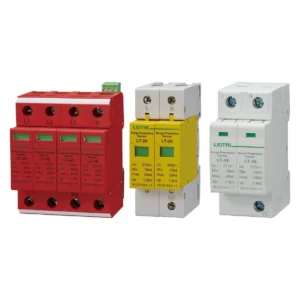
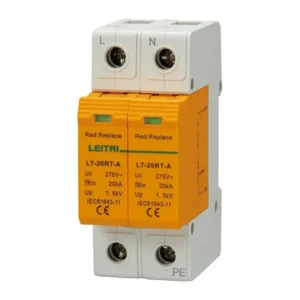
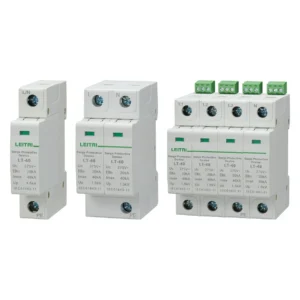
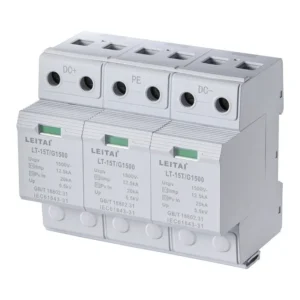
A surge protector, or a surge protective device (SPD) — puts metal-oxide varistors (MOVs) — sometimes in combination with gas discharge tubes — between live wires and ground and neutral. They remain practically open at normal voltages but begin conducting the moment the voltage reaches a critical value.
What to read on the label depends on the form:
-
Plug in strips (UL 1449 Type 3): joule rating (energy absorbed) and voltage protection rating (VPR) (lower is better).
Panel SPDs (IEC 61643-11 Type 1, 2 or 3): rated discharge current In, maximum discharge current Imax and lightning impulse current Iimp for Type 1, and voltage protection level Up.What a surge protector cannot do: it has no battery, hence blackouts will still turn off your equipment as intensely as before, as well as brownouts. Besides, since MOVs are consumable resources, each surge diminishes their service life, and thus good SPDs have status monitoring.
The UPS, also known as a battery with a switch
A UPS consists of a battery, a charger, and a converter. When the mains fail, or when it meets the requirements, the need for using the converter arises. The mission here is to keep going for a sufficient period of time, protect data from being lost, and make sure you can switch off equipment correctly.
According to IEC 62040-3 UPS models belong to 3 categories:
Standby/offline (VFD): the load works directly from the mains, while the inverter triggers within a few milliseconds.
Line-interactive (VI): it adds current stabilizer (or AVR) to regulate voltage without battery usage.
Online double-conversion (VFI): loads are fed with inverter current in AC_DC_AC mode all the time, thus making devices shielded from voltage fluctuations.
Most consumer UPSs include a small MOV stage as well. For example, CyberPower’s SL 700U model includes 890 joules which is useful, but not compared to a fixed surge strip, and is much less than a panel SPD can provide.
Surge Protector vs UPS: Three Problems on Three Time Scales
The “vs” framing is a little misleading, because the two devices are not competing for the same job. Power-quality engineers (IEEE 1159) group supply problems by how long they last, and each device answers a different row:
| Disturbance | How long it lasts | Typical causes | Surge protector | AVR | UPS |
|---|---|---|---|---|---|
| Transient surge or spike | Microseconds | Lightning, load switching, utility switching | Yes — its main job | No | Partly — small built-in surge stage |
| Sag or swell | Half a cycle to 1 minute | Large motors starting, faults on nearby feeders | No | Corrects within its range | Yes |
| Sustained under- or overvoltage (brownout) | Over 1 minute | Overloaded grid, long rural feeders | No | Yes | Yes (line-interactive and online) |
| Outage | Milliseconds to hours | Grid failure, tripped breaker | No | No | Yes, for the battery runtime |
| Noise and frequency drift | Continuous | Generators, drives, poor wiring | Light EMI filtering only | No | Online UPS only |
Set side by side, the core differences look like this:
| Feature | Surge protector | UPS |
|---|---|---|
| Main job | Divert transient overvoltage | Keep power on through sags and outages |
| Reaction | Nanoseconds | Few milliseconds transfer (standby, line-interactive); none for online |
| Battery | None | Yes |
| Surge-handling capacity | High: thousands of joules (strip) or tens of kA (panel SPD) | Limited built-in MOV stage |
| Voltage regulation | None | AVR on line-interactive; full regulation on online |
| Lets you save work and shut down | No | Yes |
| What wears out | MOVs, after repeated surges | Batteries, typically every few years |
| Relative cost | Lowest | Several times higher, rising steeply for online units |
Comparison of AVR, UPS and Surge Protector
AVR (automatic voltage regulation) is usually missing from most of the “UPS or surge protector” articles, but this term sheds light on a lot of ambiguities related to their specifications.
The above specified device, sold separately as a voltage stabilizer, works by means of some tap-changing transformer or servo to ensure that its output remains close to its nominal value in case the power supply persists to be too low or too high. There is no battery, so if a power interruption occurs, the load will be lost. It is not a surge protector, though some of its models correspond to the standard SPD.
Inside a line-interactive UPS, the same AVR allows the piece to eliminate the brownout without switching on the battery. This is the reason why “AVR” can be seen on many data sheets of UPS devices – as well as the reason why the line-interactive UPS can be used in most situations.
If you need to make a quick decision:
In case you are experiencing frequent brownouts and rare power outages – choose either AVR or line-interactive UPS.
If power cut-off happens frequently or if there is vital data that cannot be interrupted during saving – you should opt for a UPS with a suitable power capacity.
In case of the presence of thunderstorms, overhead lines or significant loads connected nearby, you will need a surge protective device to act as an additional safeguard.
Do You Need a Surge Protector If You Have a UPS?
When it comes to a home computer, the most basic form of protection from electrical surges is to have a solid UPS plugged in directly to the wall outlet. Anything above that, and the answer is yes.
Eaton’s own guidance is blunt about it: neither a UPS nor an SPD by themselves are capable of providing full surge protection for commercial installations; a UPS cannot be used as a primary surge protection device. They recommend what is known as cascading. This means that a SPDs in charge of most of the energy and a UPS is responsible for the rest.
Eaton gives a good illustration of that. In case of a lightning strike there may be naturally more than 20 kV and 5kA of surge. A single surge device (including a UPS) will still allow a certain amount of voltage through – about 2000 V which may damage the equipment. When a SPD is used upstream, the voltage wave reduces to 200 V.
In order to put this theory into practice and apply the expert’s recommendations, consider the following points:
• Ensure that the bypass area is also protected. According to Eaton, SPDs should be installed on the utility side of the UPS, preferably on the bypass. An online UPS isolates the load during normal operation but when there is a bypass, the load is connected straight to mains. Without protection of the bypass, the load will be at risk at the moment when UPS is not operating.
• Protect the UPS internal surge level sensitive devices. MOVs in a UPS cannot be changed as easily as a module used in SPD and very few UPS devices indicate that they are used up. An upstream SPD is supposed to take all the damage and the UPS is relieved of that duty.
• Clean up areas with long output lines. In case the load panel is located far away from the UPS, Eaton advises putting an SPD between the UPS and load outlet. Most surges originate inside the building, so long wires that pass through a motor and various devices of the building are also capable of carrying surges into the east reach.
One more gap no UPS closes: it only guards the power cord. Surges also arrive on coax, telephone and DSL lines, Ethernet runs between buildings and PoE cameras. Those paths need their own signal-line SPDs.
Which One for a PC, Gaming PC, Home Network or Server?
| Setup | Minimum | Better |
|---|---|---|
| Office or home PC | Quality surge strip | Line-interactive UPS if outages are common |
| Gaming PC or workstation | Line-interactive UPS, pure sine wave | Same, plus a panel SPD at the consumer unit |
| Router, modem, ONT, small NAS | Small UPS (low draw gives long runtime) | Add surge protection on the incoming coax or phone line |
| Server, NAS cluster, small server room | Pure-sine line-interactive UPS with shutdown software | Online double-conversion UPS with a Type 2 SPD on its input and bypass |
| Whole home | Type 2 SPD at the main panel | Type 1+2 at the service entrance, plus point-of-use protection on sensitive loads |
Surge protector versus UPS for a computer
In case you seldom have power cuts and you frequently save your work, the basic choice will be an effective surge strip. In contrary to that, if you live in the area where there are repeated power outages throughout the season or if a loss of power can cause damages to your work, it will be better to invest in a line-interactive UPS having 600 to 1,000 VA rating to help you save your work and turn your appliances off properly.
Gaming computers and stations
Nowadays, these computers require active power factor correction (PFC), and many manufacturers as CyberPower claim that devices with active-PFC power supply units may be unexpectedly turned off if a UPS employs a simulated sine wave during its operations. Therefore, the safest idea is to choose line-interactive pure-sine UPS that is rated to work at a value that is significantly higher than your maximum consuming figure.
Home network
Considering that a regular home modem as well as a router consume very low amount of power, even UPS devices with small capacity can offer internet availability even during power outages. Moreover, the largest share of surges comes from the data side, thus, all incoming channels such as coaxial cable are to be protected.
Servers and NAS devices
In this case, UPS devices are mandatory for ensuring that the operating system turns off safely via USB or network management protocols. Small loads should be supplied with pure-sine line-interactive devices and online double-conversion system has to be installed for more crucial needs. It is also essential to place a panel SPD before the UPS input.
The whole building
For homes, the 2020 NEC (Article 230.67) requires a Type 1 or Type 2 SPD whenever a dwelling’s service equipment is installed or replaced. A whole-house surge suppressor at the panel protects every circuit, including the ones no UPS will ever be on: HVAC boards, appliances, LED drivers and EV chargers.

Should You Connect a Surge Protector into a UPS or a UPS into a Surge Protector?
It is important to know that neither of these options would be a good idea.
If surge protector is connected to the inverter output, the APC by Schneider Electric’s APC support guidance does not recommend connecting any type of surge protector or extension cord to the APC output, the surge protector may conceal some of the load which causes under-reading of the UPS load. The MOVs in the surge strip may cause short circuit or overload alarm. Finally, if a third-party surge protector is on the output side, APC does not guarantee connected equipment protection.
If the UPS is plugged into a surge strip, it is in between the UPS and the supply. According to APC, it will make UPS go to battery mode unnecessarily often and drain the battery.
The right way:
The UPS needs to be connected to plug that is directly wired to an earthed wall outlet.
If you need more outlets, purchase UPS with more outlets or PDU that the manufacturer produces.
The UPS can have surge only outlets for printers and other devices that do not need back-up in case of power failure.
All other surge protection devices must go ahead of the device in distribution panel.
Beyond the Plug: The Position of Panel-Level SPDs in Relation to a UPS
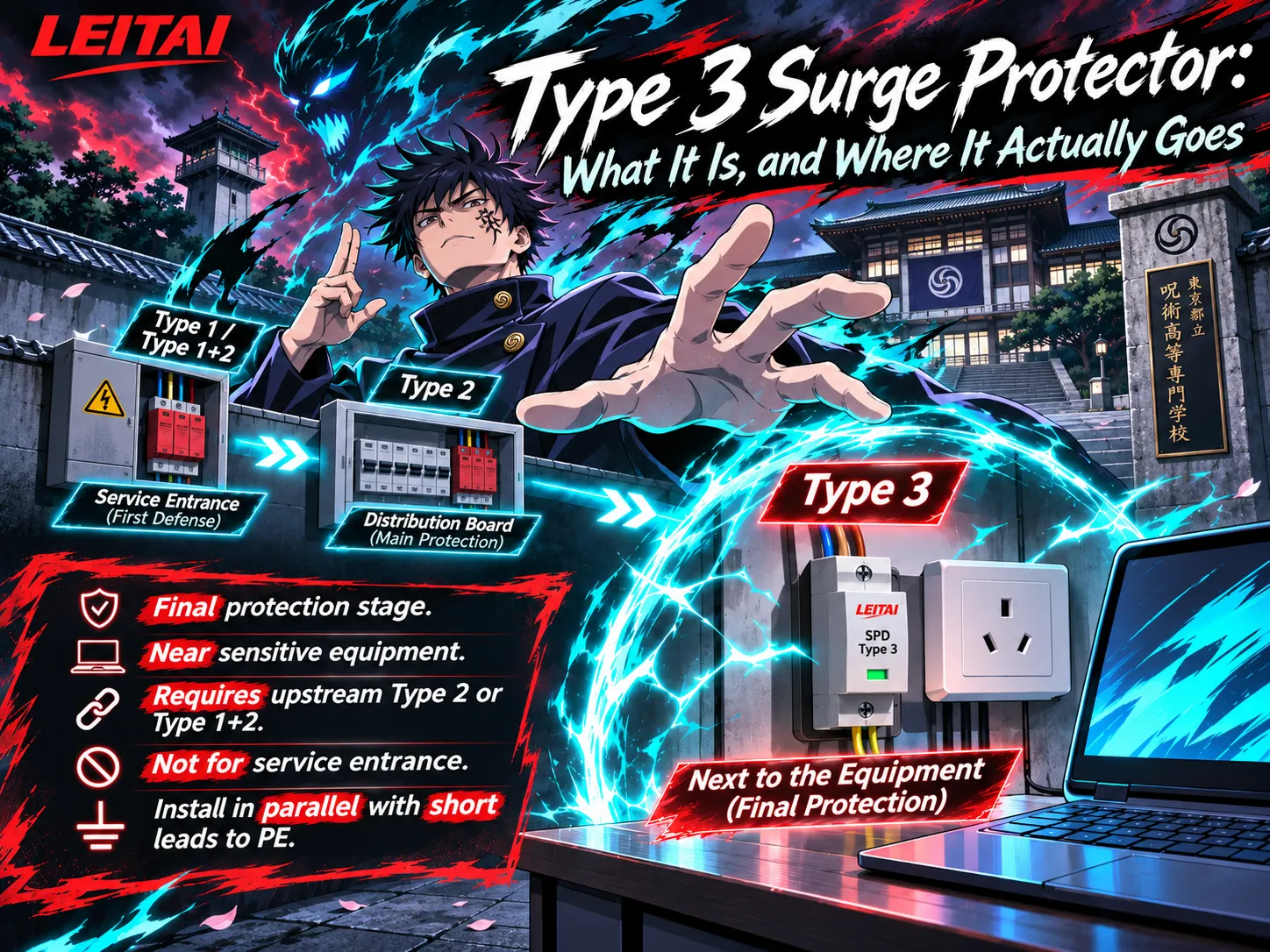
Plug-in strips along with the surge mechanism inside the UPS serve as the final safeguard device. In the building where the actual defense operation is performed is the switchboard that has the devices according to IEC 61643-11 standards connected in stages so that each stage reduces the surge until the next stage and finally the last device are able to withstand it.
- Service entrance — Types 1 or 1+2 SPD. It is for operating partial lightning current (10/350 µs) provided there is lightning protection or an overhead cable. The unit is altogether, as LT-T25 B+C Type 1+2 surge protector, rated Iimp 25 kA and Imax 50 kA, covers both stages in one DIN-rail device.
- Distribution board feeding the UPS — Type 2 SPD. This is the “upstream SPD” in Eaton’s cascade. Fit it on the board that supplies both the UPS input and its bypass. A DIN-rail Type 2 SPD with In 10 kA, Imax 20 kA and Up from under 1.3 kV suits most small server rooms and office boards.
- Near the load — Type 3 SPD. Where the UPS output feeds a sub-panel some distance away, a Type 3 SPD with an MOV and GDT hybrid and Up of 1.5 kV catches what is picked up on the way.
When the UPS is in bypass for maintenance or an overload, the load is fed straight from the distribution board, so the Type 2 SPD there, not the UPS, is what limits the surge.
Two installation details decide whether any of this works. Keep the SPD’s connecting leads short and straight: at surge rise rates, every extra metre of lead adds voltage on top of the rated Up, as our surge protector wiring diagram guide explains. And give each SPD the backup protection its data sheet calls for, such as an external SPD disconnector, so a module reaching end of life is cut off safely.
LEITAI designs and builds these devices in Zhejiang, China, and verifies them on its own impulse test station, rated 250 kA at 8/20 µs and 50 kA at 10/350 µs.
Frequently Asked Questions
Do I need a UPS or a surge protector?
It all depends on which type of failure is likely to cost you more money. If surges are a danger, but outages are rare, then the best approach would be to install a surge protector. But if not having electricity during the job causes you to lose some work or corrupt your data, then you will need an uninterruptible power supply (UPS). The practical solution for computers, networking devices and servers would be to install the UPS right under the desk and a surge protection device (SPD) upstream in the electrical panel.
Do I need a surge protector if I have a UPS?
When it comes to home use, a UPS does not normally protect against surges. A good UPS that is plugged directly into a wall socket offers point-of-use surge protection. However, for buildings, server rooms and offices with exposed feeds, it is used. For instance, UPS vendors such as Eaton recommend viewing UPS as a second line of defense after an SPD.
Are a UPS and a surge protector the same?
No. Surge protectors direct voltage surges that last for milliseconds, and they do not have batteries. UPS units provide power during blackouts using a battery and inverter. Most UPS units have at least a small surge protection feature, making UPS a type of surge protector, but a surge protector cannot be classified as a UPS.
Is it okay to plug a surge protector into a UPS?
In general, the answer is no. The APC suggests that it should not be done, since the power strip can hide the real load, its MOVs can trigger either overload or short circuit alarms, and the use of an external power device may void the UPS manufacturer warranty. Just connect the devices directly into the UPS and buy a model that has enough power outlets.
Can a UPS protect against lightning?
A surge protector is designed to handle a limited amount of surge. An electrical surge of several tens of kilovolts produced by a lightning strike is far more than a surge protector’s MOV can constrain. To provide proper lightning protection you need a Type 1 or Type 2 SPD at the electrical panel and a lightning protection system for the building in case of a direct lightning strike. Our article on whether a surge protector protects against lightning covers the limits.
Is AVR the same as surge protection?
No. AVR corrects sustained low or high voltage over seconds to minutes. Surge protection clamps spikes lasting microseconds. A line-interactive UPS usually has both: AVR for brownouts, MOVs for surges, and the battery for outages.
Surge protector vs UPS for a PC: which is better?
If you ever require the purchase of a UPS — solely one unit — it is important to carry out the procurement because there are very important files on your computer — it is crucial to protect against disruptions of any kind including power outages and brownouts. In case your PC has an active power factor correction (PFC) system, it is recommended to use pure sine wave UPS. If a temporary shutdown will only cause minor inconvenience for your device, a surge protector may be more than sufficient.
References
- Eaton — What is the difference between a UPS and surge suppressor?
- Schneider Electric — Using surge strips with APC’s Back-UPS and Smart-UPS products (FA158852)
- CyberPower — PFC Sinewave Series UPS systems and active-PFC power supplies
- IEC 62040-3 — Uninterruptible power systems: method of specifying performance and test requirements
- IEC 61643-11 — Low-voltage surge protective devices: requirements and test methods for SPDs connected to power systems
- UL Standards & Engagement — UL 1449, Surge Protective Devices
- NFPA 70, National Electrical Code — Article 230.67
- IEEE 1159 — Recommended Practice for Monitoring Electric Power Quality
Conclusion
The surge protector vs UPS is an easy question to answer; they protect against different events. A surge protector absorbs millionth-of-a-second spikes, an AVR removes a slowly-oscillating voltage, and a UPS works when the power has been lost. For a typical personal computer, a good line-interactive UPS can usually take care of all three. For larger device, always comply with the advice from manufacturers of UPS: install an SPD upstream, to protect both UPS’s input and bypass, while UPS should “clean” the power coming through.